KRIS 4: Three migration paths for every need

Want to switch from KRIS 3 to KRIS 4? Now you can do so quickly and easily. We will show you the different migration options available.

  • KRIS Historie

Get started now with KRIS 4

Three Migration Paths for Every Need

KRIS 4 is the next generation of our software. However, not every customer is starting from scratch and can afford an abrupt system change. That is why we have designed three migration paths.

Choose the Migration Path that Suits You Best

Stand-Alone-Mode

Stand-Alone Mode

KRIS 4 as a full-featured browser version

Hybrid Mode

Hybrid Mode

KRIS 4 apps available in KRIS 3 client

Parallel Operation

Parallel Operation

Zwo separate Server

1. Stand-Alone – Complete Restart

KRIS 4 runs entirely in the browser without local installation, offering you maximum flexibility and future-proofing. You get direct access to all the latest apps and features of the new version, which have been developed from the ground up for modern web technologies. This migration path is particularly suitable for newcomers or companies that prefer a clean break and want to take the opportunity to restructure their processes from the ground up.

Stand-alone mode allows you to start without any legacy issues and immediately benefit from the improved performance, intuitive user interface, and extended functionality of KRIS 4.

2. Hybrid Mode – Gradual Transition

Your existing KRIS3 ecosystem remains completely intact, while you can integrate selected KRIS 4 applications in parallel. This option offers you maximum flexibility while minimizing risks during the transition phase. Your employees can familiarize themselves with the new environment step by step, while familiar processes continue to run without any interruption.

Hybrid mode is ideal for companies that prefer an evolutionary rather than a revolutionary approach. You can provide targeted training for your employees and gradually build acceptance for the new technology. At the same time, you remain in control of the pace and can adapt the migration process to your operational conditions, production cycles, and available resources. Critical production processes remain stable and reliable throughout the entire migration phase.
3. Parallel Operation – Both Systems Simultaneously

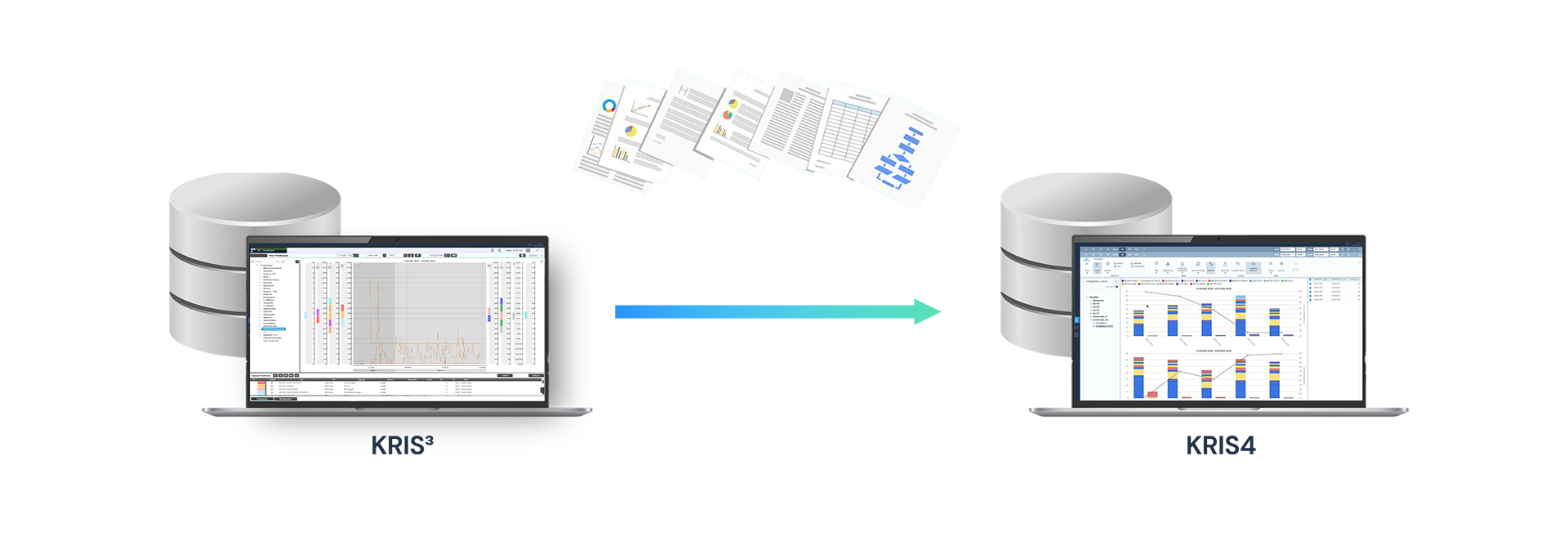
KRIS 4 is installed on separate, independent servers alongside your existing KRIS3 system. Both systems run completely autonomously and do not influence each other. Client access can be either stand-alone or hybrid mode, depending on what best suits your application. You have the option of switching seamlessly between the systems at any time or reverting to KRIS3 if necessary.

This migration option offers you the highest level of security and flexibility. You can test KRIS 4 at your own pace, provide your employees with comprehensive training, and thoroughly test all functionalities without affecting your productive operations. This approach is particularly advantageous in security-critical environments or complex production scenarios. You can first develop and validate new processes in KRIS 4 while your proven processes continue to run in KRIS3. Only when you are completely convinced of the stability and performance of KRIS 4 and all employees have been trained will you make the final switch—without any time pressure and with minimal risk to your operations.

Recommendation for KRIS3 Customers

For existing KRIS3 installations, we recommend the hybrid mode or parallel operation. Both enable a smooth transition without system interruption. Data transfer is script-based and largely automated.

Do you need assistance? Contact us for more information about switching to KRIS 4.


Go to your direct contact person